
The Atlas
Articles
19 articles
Update
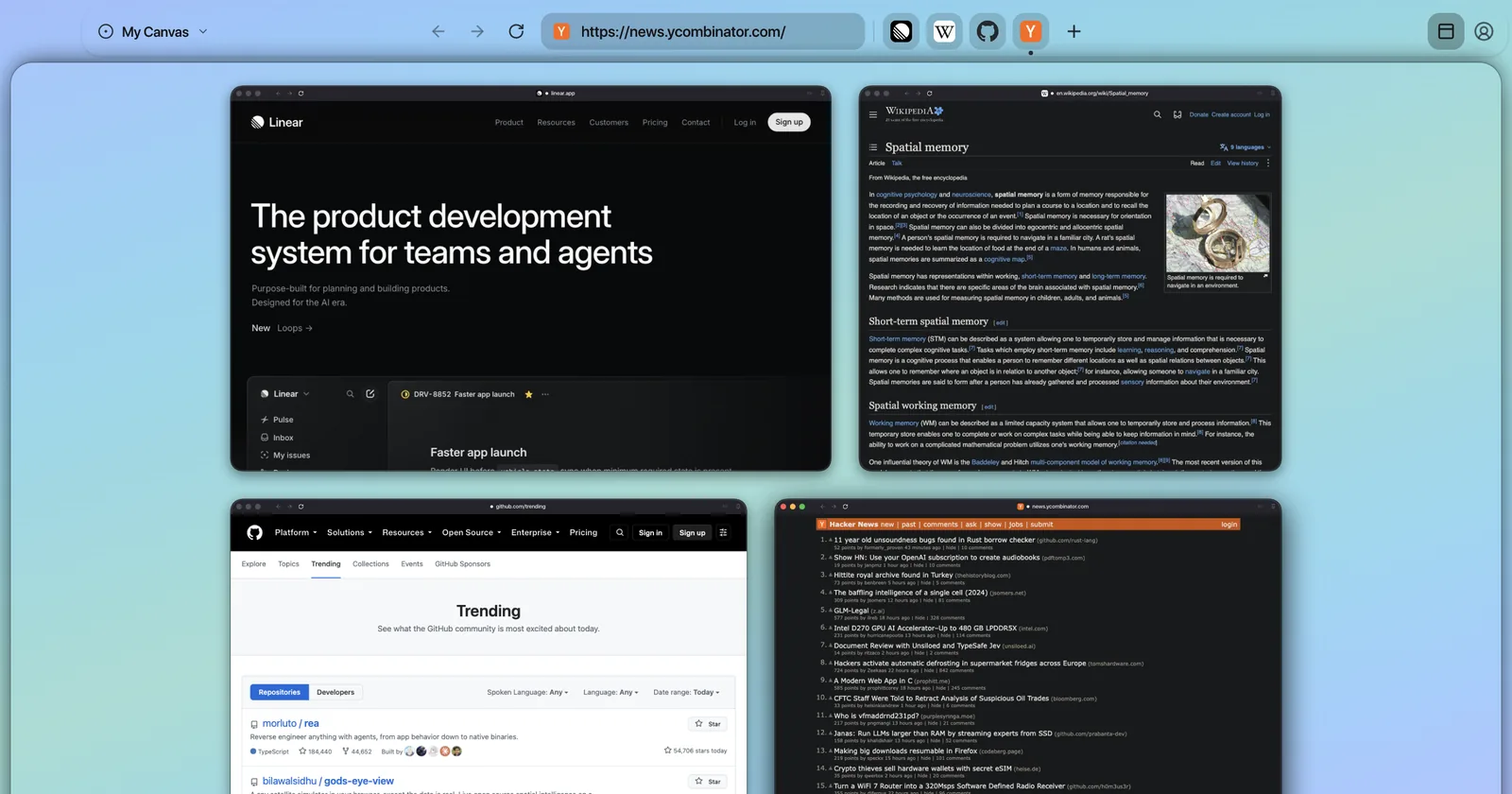
What’s New in Tabula: October 2026
What’s new in Tabula this month: Chrome extensions, sign-ins from your old browser, tabs on top, Apple Music on the canvas and two free zones.
Using Tabula
3Update
What’s New in Tabula: October 2026
What’s new in Tabula this month: Chrome extensions, sign-ins from your old browser, tabs on top, Apple Music on the canvas and two free zones.
Guide
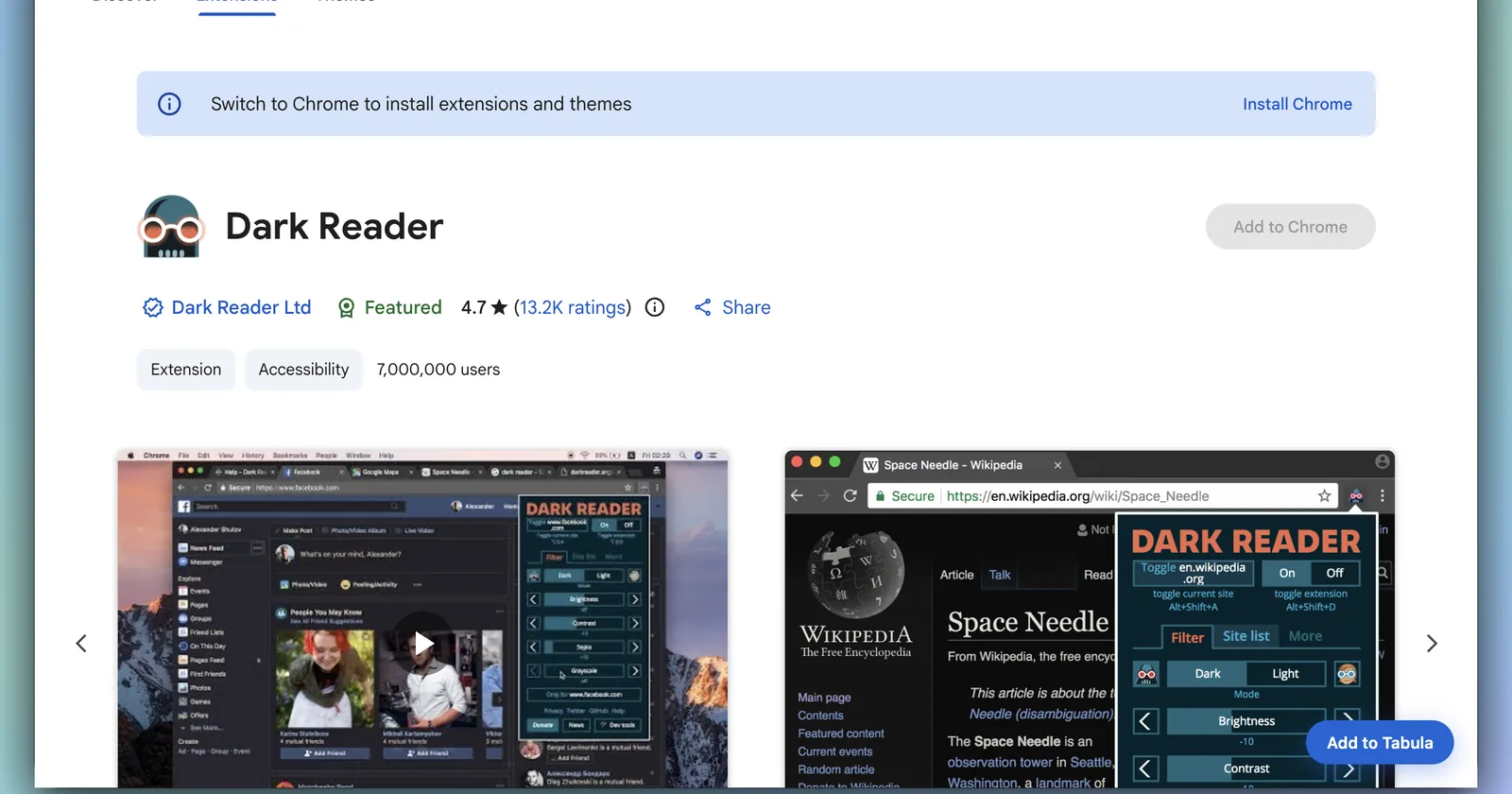
How to Add Chrome Extensions to Tabula
Chrome extensions in Tabula: add them from the Chrome Web Store, the built-in catalog or your other browser, then turn them on, off or open them.
Guide
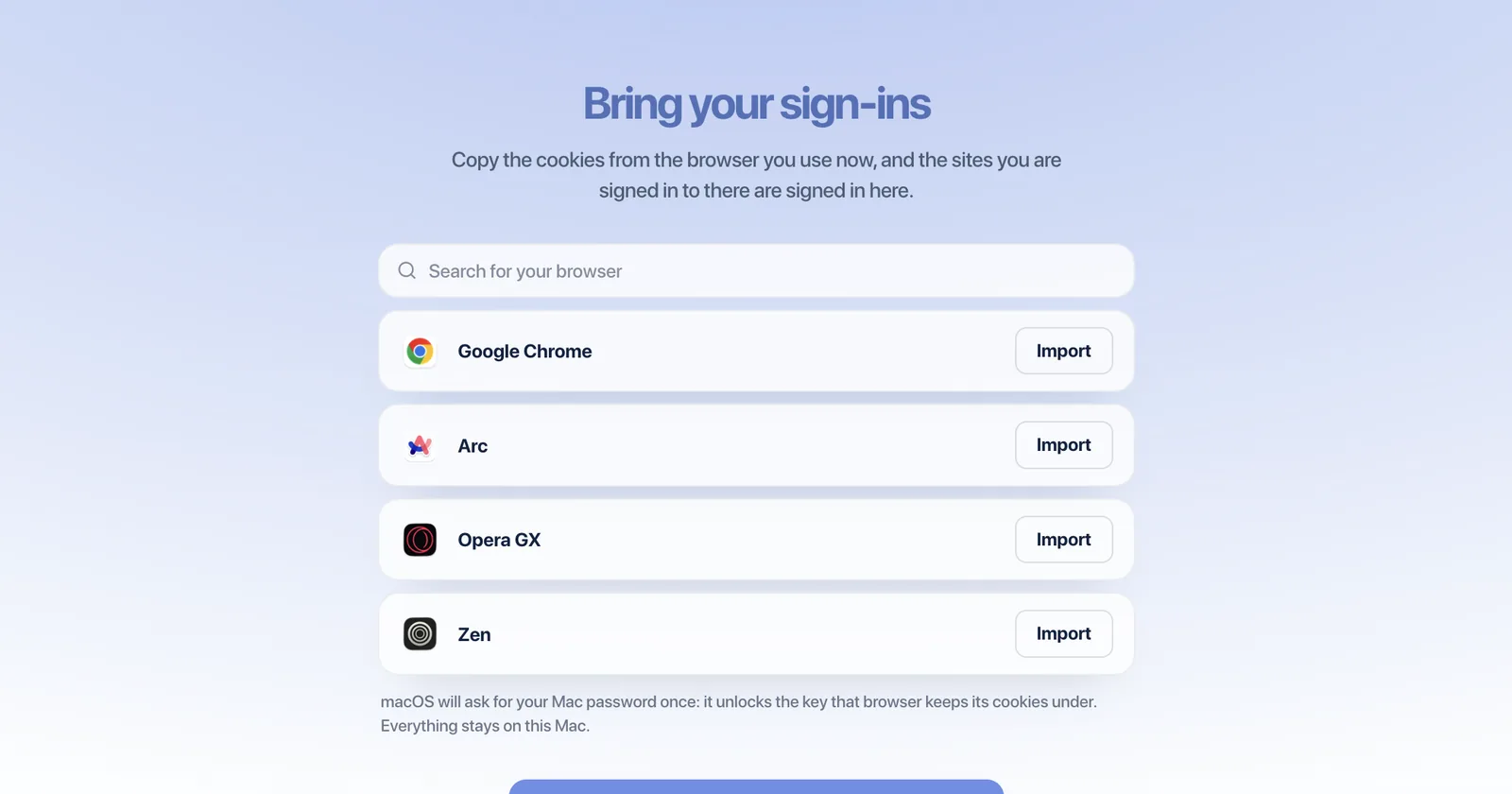
Switch to Tabula From Chrome, Arc or Zen
How to switch to Tabula from Chrome, Arc, Zen or Brave without signing in again: bring your sign-ins and extensions, pick a layout, make it default.
AI agents, explained
2Explainer
What Is ChatGPT Dots? OpenAI’s Agents, Explained
ChatGPT dots are always-on agents with their own cloud computer. What they do, the four permission levels, who can get one and what they cost.
Explainer
What Is Meta Muse? The AI Agent, Explained
Meta Muse is a personal AI agent that does tasks for you in its own cloud browser. How it works, what it costs, and what Meta says it can see.
Leaving another browser
4
Comparison
Arc Browser Alternative for Mac in 2026
Arc stopped getting new features in 2025. Tabula keeps the sidebar people loved and puts a canvas behind it, so you can see every tab at once.

Comparison
Zen Browser Alternative for Mac in 2026
Looking for a Zen browser alternative? Zen is the best Arc clone there is. Here is where Tabula’s canvas fits — and where Zen is still the better pick.
Comparison
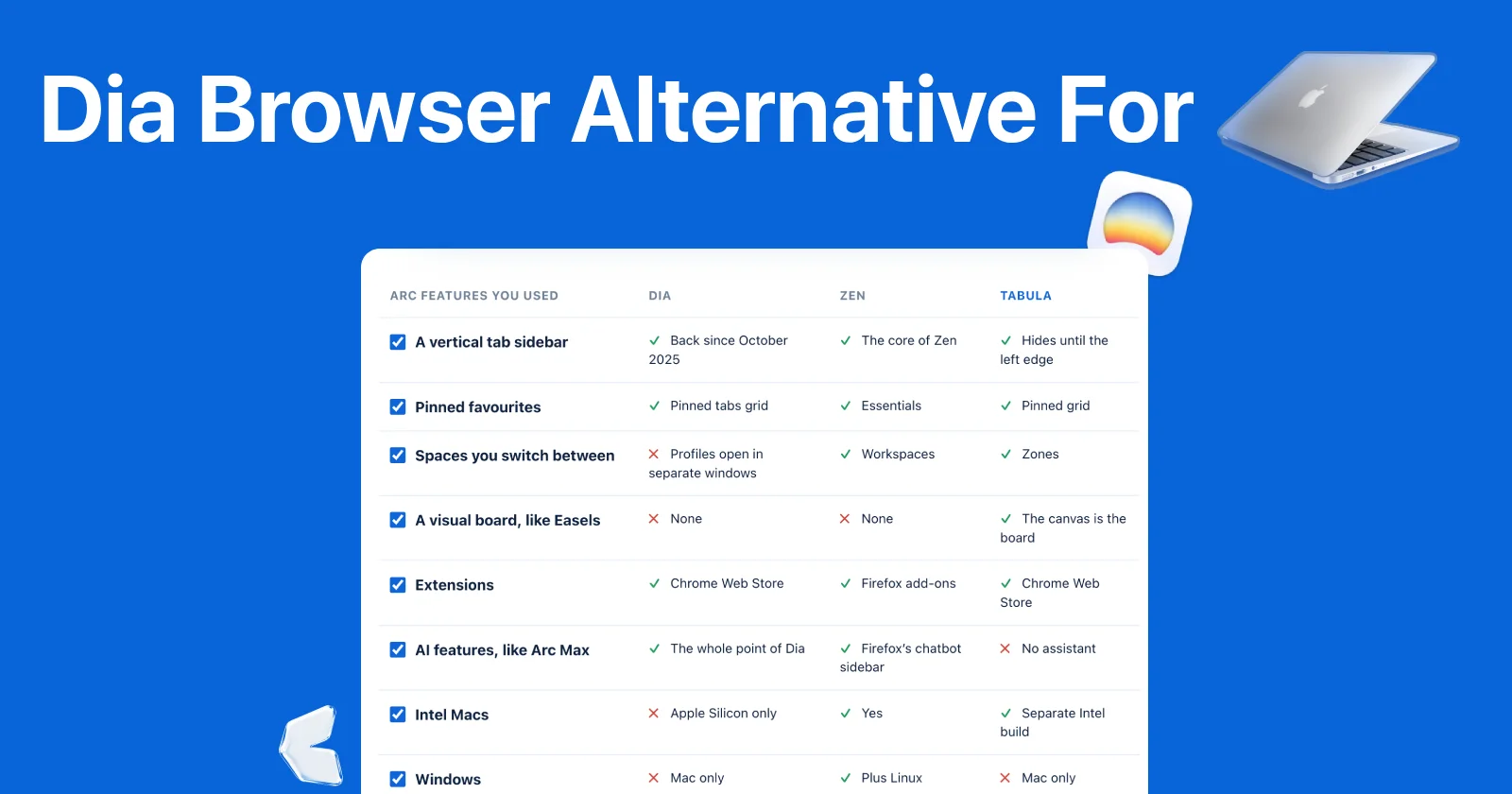
Dia Browser Alternative for Arc Users in 2026
Dia is an AI browser, not Arc 2. Tick the Arc features you actually used and see what Dia, Zen and Tabula each kept — including where Tabula loses.
Comparison
Kosmik Alternatives: 6 Canvas Apps to Move To
Kosmik shut down on May 31, 2026. Compare six alternatives — Allume, Milanote, Freeform, Heptabase, tldraw and Tabula — for what you used it for.
More on one screen
4Guide
How to See Multiple Websites at Once on a Mac
How to see multiple websites at once on a Mac: window tiling, Split View, Stage Manager, browser split view and a canvas — and how many each fits.
Guide
How to Split Your Mac Screen Into 3 or 4 Windows
Split View stops at two. How to get three, four or six windows on one Mac screen — with macOS’s own tiling first, then a free app, then a canvas.
Guide
How to Show Multiple Dashboards on One Screen
How to show multiple dashboards on one screen: rotate, tile or use a canvas — and how much a rotating screen really hides. Move the sliders and see.
Guide
How to Use an Ultrawide Monitor With a Mac
How to use an ultrawide monitor with a Mac: split a 34-inch screen, fix soft-looking text, and see which Macs can drive one — with a width planner.
Tabs and the canvas
3
Guide
What Is a Spatial Browser? A Guide for 2026
A spatial browser puts websites on a canvas instead of a tab list, so you find them by where they are. What it is, why it works and how to try one.
Guide
Too Many Tabs Open? How to Get Control Back
Too many tabs open? Most aren’t work — they’re reminders and storage. Sort them into four piles, then keep it that way in Chrome, Safari and Arc.
Guide
Tabs vs. a Canvas: Why Tabs Fail Past a Dozen
Tabs vs. a canvas: why tabs stop working past a dozen pages, a one-minute experiment that shows it, and the cases where tabs still win.
The best-of lists
3
List
The 5 Best Browsers for Mac in 2026
The best browsers for Mac in 2026 — Safari, Chrome, Brave, Zen and Tabula: what each does best, where each falls short, and a picker to find yours.

List
5 Browsers With Vertical Tabs for Mac in 2026
The best browsers with vertical tabs on Mac: Zen, Firefox, Edge, Vivaldi and Tabula — how each one’s sidebar works and what else each one brings.
List
WhatsApp, Slack & Gmail in One Window: 6 Mac Apps
WhatsApp, Slack and Gmail in one window on a Mac: Ferdium, Rambox, Franz, Wavebox, Shift and Tabula, with their real free plans and prices.