
Chrome extensions
Since 0.2.37, Tabula installs Chrome extensions — from the Chrome Web Store with an Add to Tabula button, from a catalog of 123 in Settings, or straight from the Chrome-based browser you use now. Dark Reader, Bitwarden, 1Password, Grammarly and the rest run on every window on your canvas. There is no toolbar yet; popups open from Settings › Extensions. How to add one.
Tabs on top
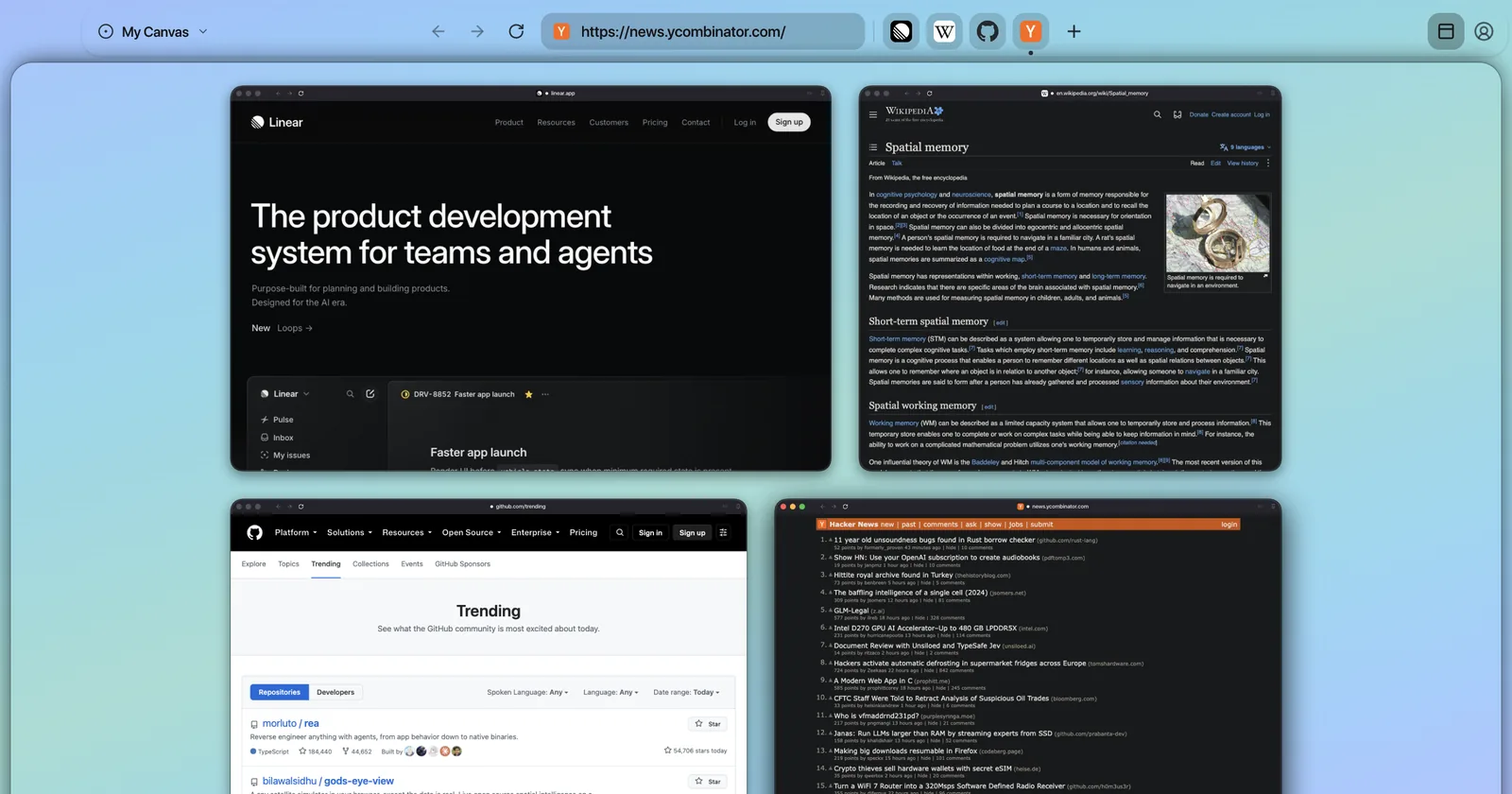
The picture at the top of this page is new in 0.2.35: a Classic layout that puts your windows in a dock along the top, styled after the macOS Dock, for anyone who would rather not learn a sidebar. Turn off “Always visible” and it hides until you move the pointer to the top edge, like the Dock does. The sidebar is still the default:
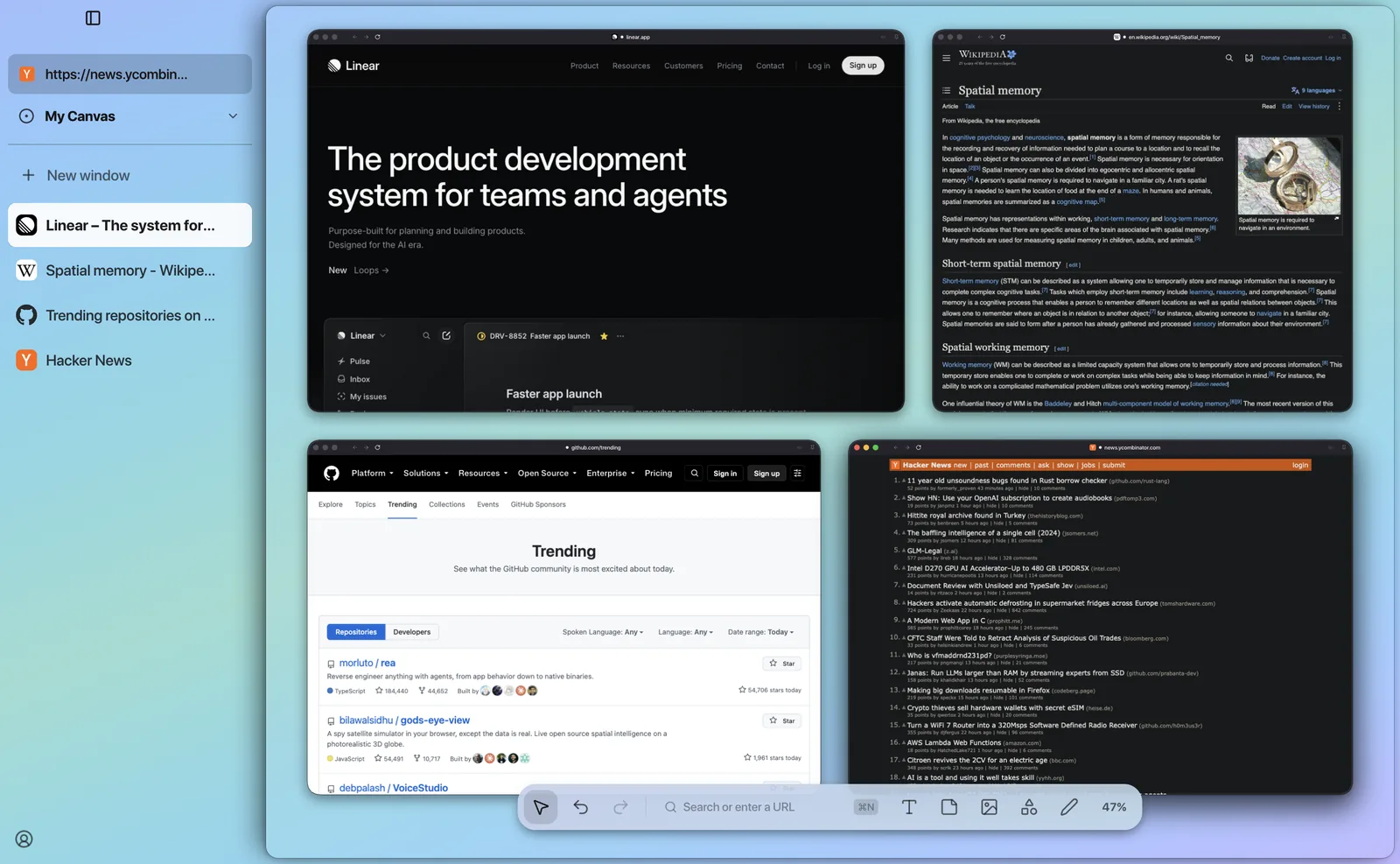
Switch in Settings › Appearance › Layout, or right-click the sidebar or the dock and choose Move to Top Dock or Move to Sidebar.
A setup that moves you in
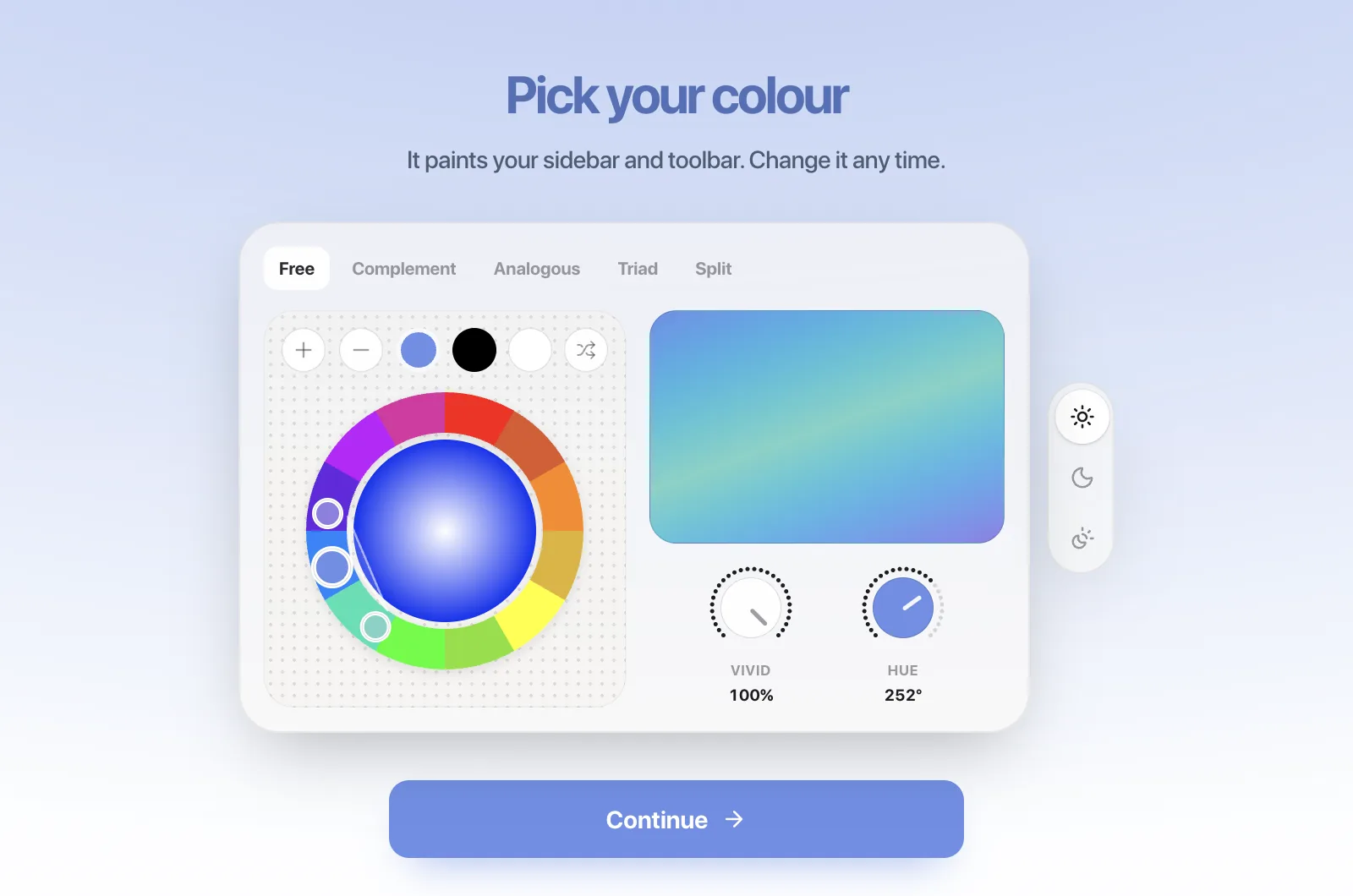
New installs now open on a short setup (0.2.34). It imports the sign-ins from Chrome, Arc, Zen and other browsers, so you are not signing in to everything again, and then asks for a color, a layout, the apps you keep open and how private you want to be. The last screen is a way to write to us directly. Already set up? Settings › Advanced › Replay runs it again. The whole move, step by step.
Apple Music on the canvas
Turn on Apple Music in Settings › Canvas (0.2.36), and the song playing in Music shows as a card in the top-left corner — play, pause, skip, a seek bar, the playlist’s queue — while its album art drifts, blurred, across the canvas behind your windows. Lyrics are there if you ask for them; they are off by default, because looking them up sends the song’s name to LRCLIB. macOS asks once to let Tabula control Music.
Google that stays signed in
Signing in with Google in one window sometimes showed every account as signed out the next time a site asked you to “Sign in with Google”. In 0.2.37 Google’s own windows and every other site share one sign-in, kept in step as it changes.
Two free zones
Zones are separate canvases — work, side project, home — each with its own windows and, if you want, its own sign-ins. The free plan now has two instead of one. The paid plan, $9.99 a month, has unlimited zones, folders and sync across machines.
Also new
- Settings, rebuilt in the style of macOS System Settings, with search (0.2.37).
- A full macOS menu bar, with every command in its usual place (0.2.36).
- Canvas templates. Download a ready-made zone from the templates page and open it with File › Import Space….
- On this site: 66 head-to-head browser comparisons, from Arc vs. Zen to Tabula vs. Safari.
Questions
- How do I update Tabula?
- Tabula updates itself; Settings › General › Software Update shows your version and checks now. Version 0.2.23 and older cannot install updates — download the latest from the download page once, and it updates itself from then on.
- Is Tabula still free?
- Yes, with two zones — up from one. The paid plan, $9.99 a month, adds unlimited zones, folders and sync across machines.